Make beautiful screenshots in seconds
Utilities that help you polish, frame, and export clean screenshots—perfect for sharing, docs, and product marketing.
Loved by 10,000+ collectors
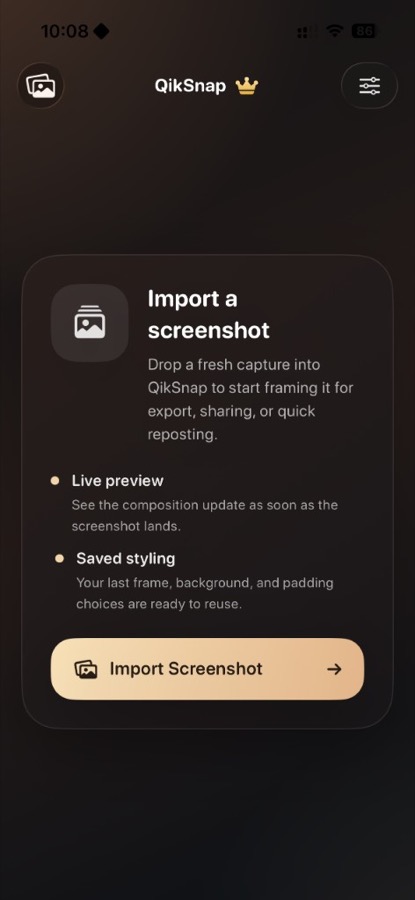
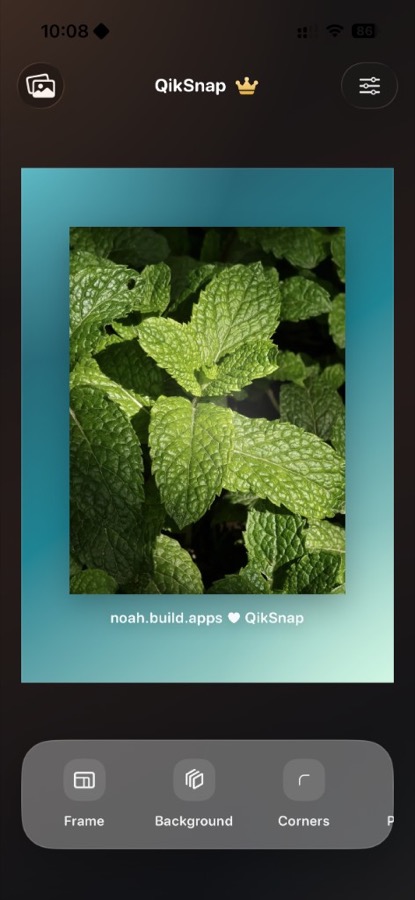
How QikSnap works
Three quick steps to turn plain screenshots into polished assets.
Make it look premium
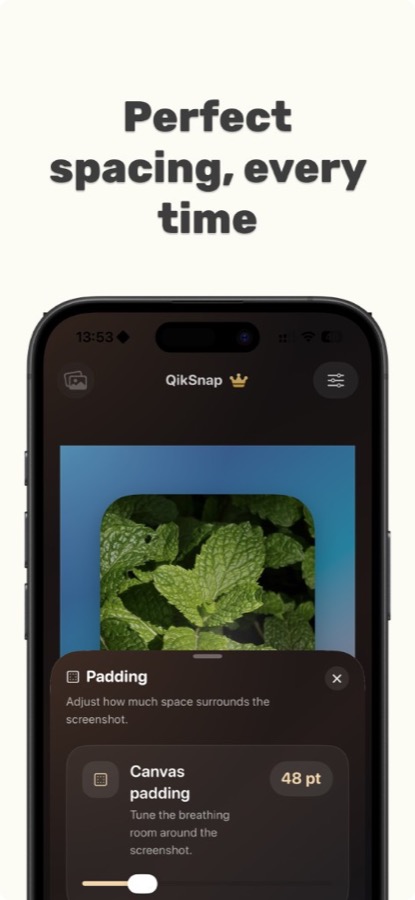
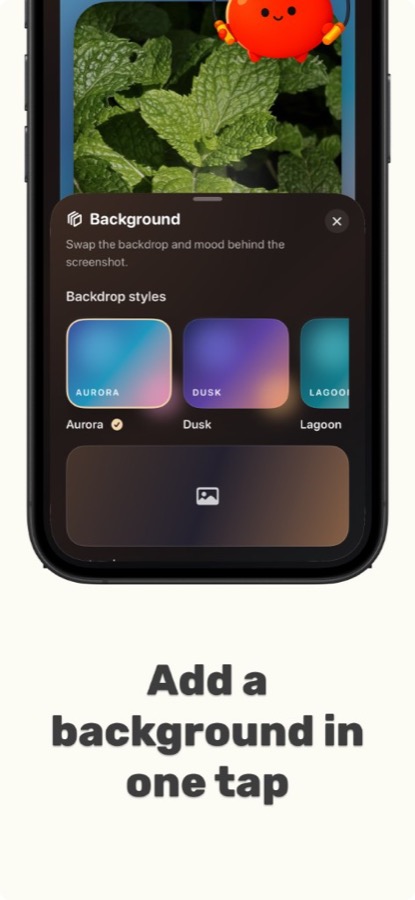
Add padding, backgrounds, shadows, and clean framing so every screenshot feels polished and share-ready.
Fast, repeatable exports
Save presets and export consistently sized images for social, app listings, docs, and marketing pages.
Highlight what matters
Annotate, blur/redact sensitive info, and guide attention with subtle emphasis—without clutter.
See QikSnap in action
A clean, quick workflow for consistent screenshot styling.
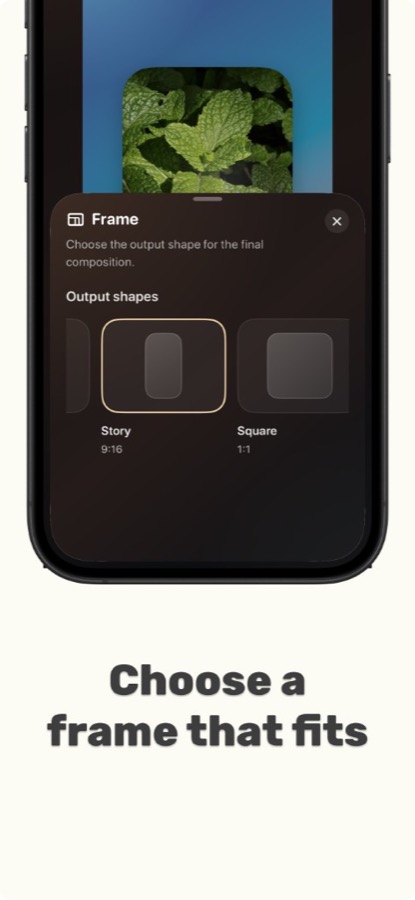
Your style, every time
Keep screenshots consistent across docs, social, App Store listings, and marketing pages.
Frame it perfectly
Dial in padding, corner radius, and shadows so your screenshots look intentional—not cropped.
Presets for speed
Save a look once, apply it everywhere. Export consistent assets in seconds.
Redact and annotate
Blur sensitive content and add light callouts when you need to explain or highlight details.
Built for clarity
QikSnap helps you share screenshots with confidence. Redact anything sensitive, and export crisp images that look great everywhere. See the Privacy Policy for details.
Privacy-friendly workflow
When sharing, you stay in control of what’s visible. Use redaction tools before exporting.
Share-ready exports
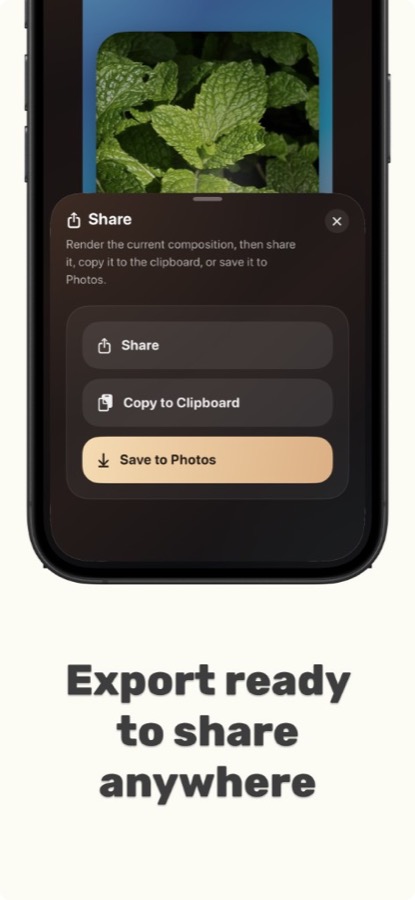
Generate clean images sized for the places you post—without extra editing steps.
Pricing
Coming soon. Want early access? Email us.
Early access
Invite
- Backgrounds, padding, shadows
- Presets for consistent styling
- Redaction and annotations
- Clean, high-quality exports
QikSnap Pro
Planned
- More presets and export sizes
- Advanced device frames/mockups
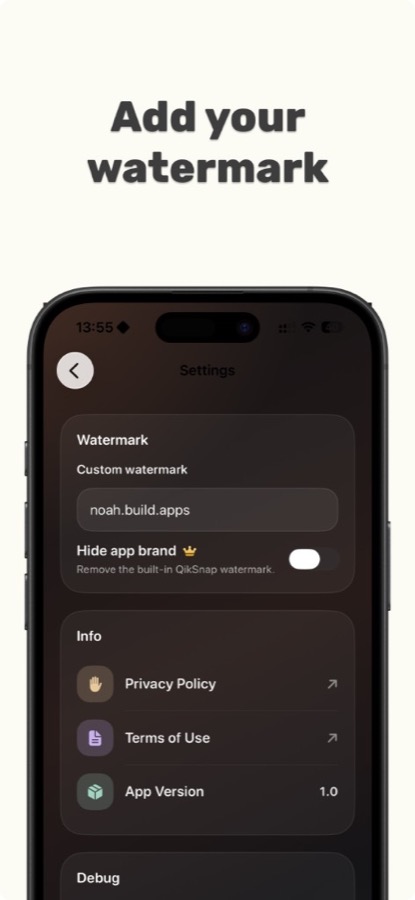
- No default watermark
- Custom backgrounds
- Batch exports
- Priority support
Details may change as QikSnap evolves.
FAQ
Quick answers while QikSnap is launching.
Is QikSnap available yet?
QikSnap is coming soon. Email support@otterspark.xyz if you want early access or updates.
Can I redact sensitive info?
Yes—QikSnap is designed for safe sharing. Redact or blur sensitive text and UI elements before exporting.
Do you support specific export sizes?
That’s the goal—consistent presets and export sizes for docs, social, and marketing. More sizes will be added over time.
What will QikSnap Pro include?
Planned Pro features include no default watermark, custom backgrounds, more export sizes/presets, and batch exports.
How do I get help?
Visit the Support page or email support@otterspark.xyz.
Want a heads-up when QikSnap launches?
Email us and we’ll share launch details and early access info.